Bring old family photos back to life.
Faded, scratched or blurry? Describe what you want fixed and PhotoPilot restores it: sharper faces, damage cleaned up, natural colour. Your original photo is never touched.
Free to try on Android. iPhone coming soon.
- Free to try
- Original stays untouched
- No editing skills needed

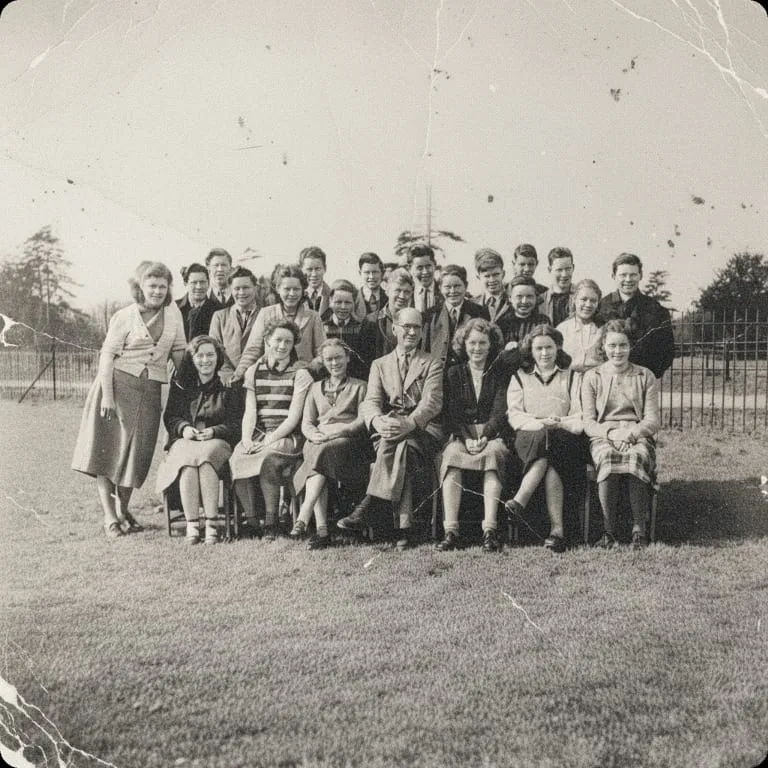 Before After
 Real restorations.
Faded, scratched and black-and-white photos, cleaned up and brought back to colour.

 Before After
 Faded portrait
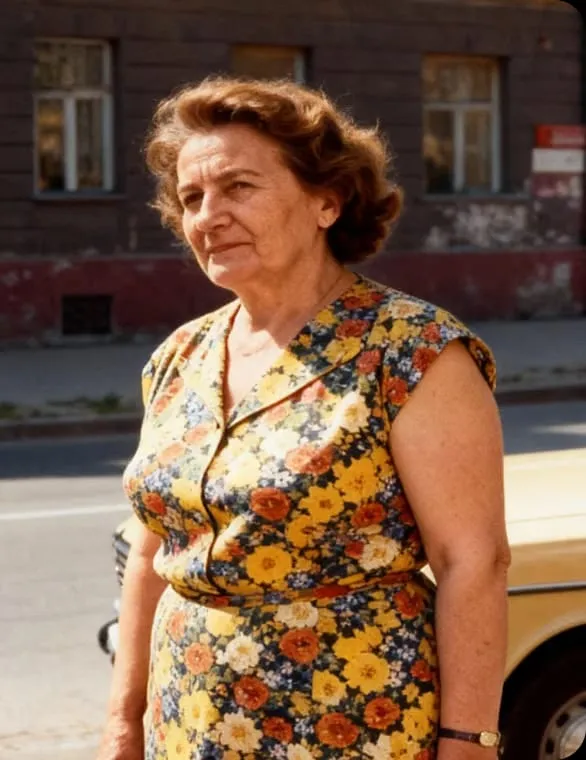
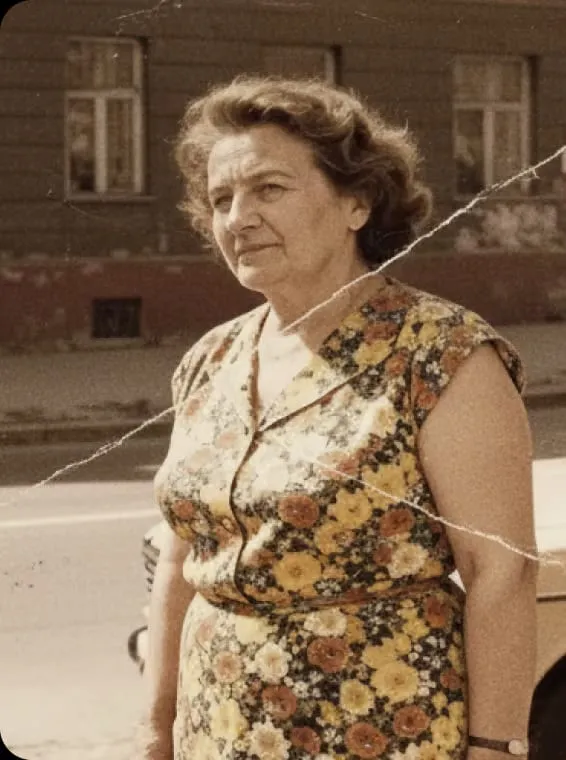 Before After
 Scratched colour print

 Before After
 Black and white to colour

 Before After
 School friends

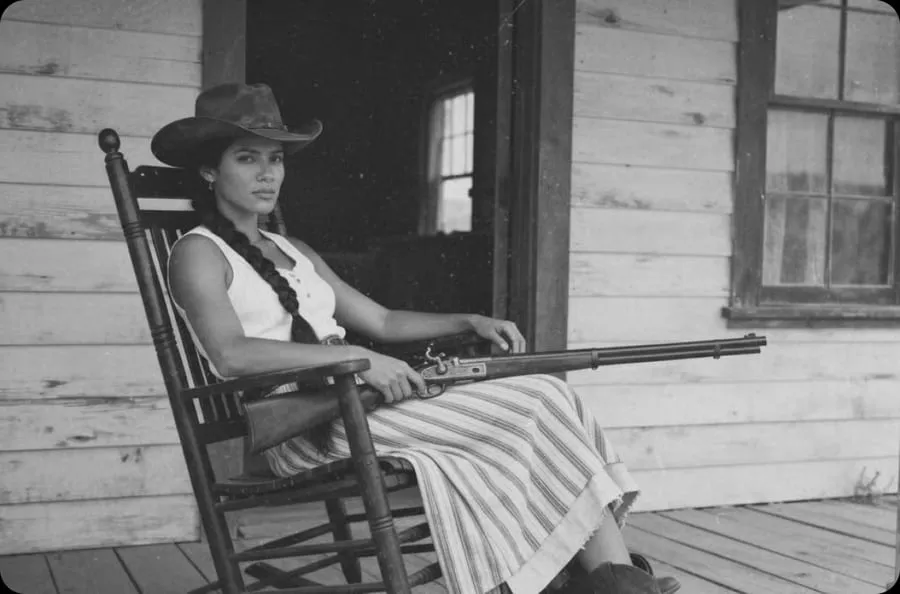 Before After
 Porch portrait
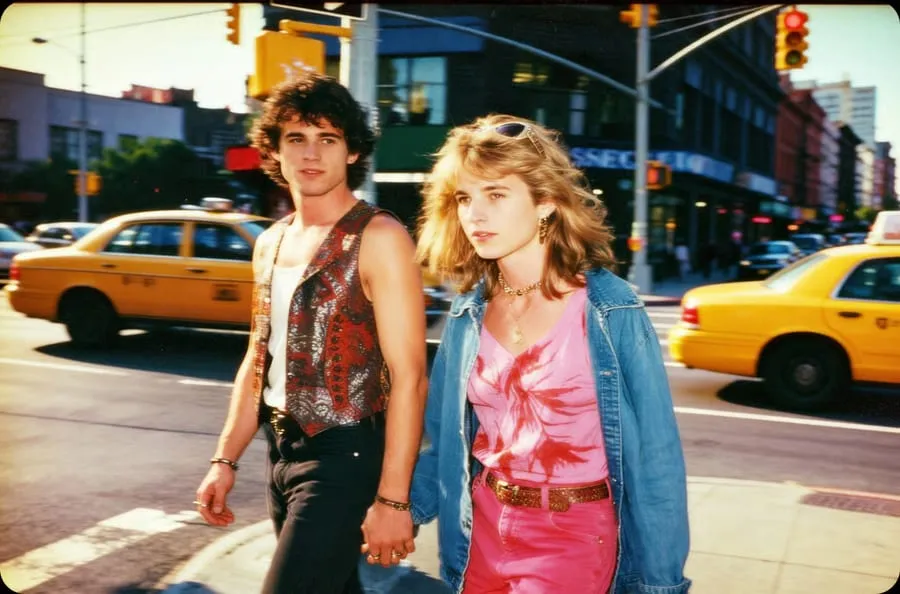
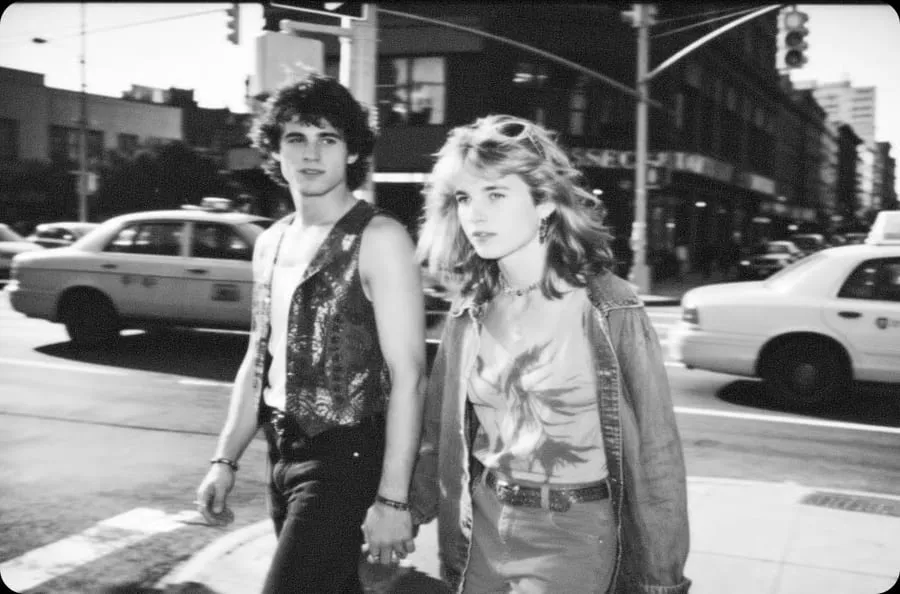 Before After
 Street couple
From faded print to sharp memory in three taps.
-
Photograph or import
Snap a picture of the print or pick the scan from your gallery.
-
Say what to fix
Type it in plain words: remove scratches, sharpen faces, colourise. Refine until it feels right.
-
Save and share
Export the restored copy and send it to the family chat. The original stays as it was.
The damage that makes old photos hard to look at.
Ask for the repair in your own words. PhotoPilot works on the whole picture or on one spot you point at.
- Scratches, creases, tears and stains
- Faded colour and washed-out contrast
- Soft or blurry faces and details
- Black-and-white prints brought to colour
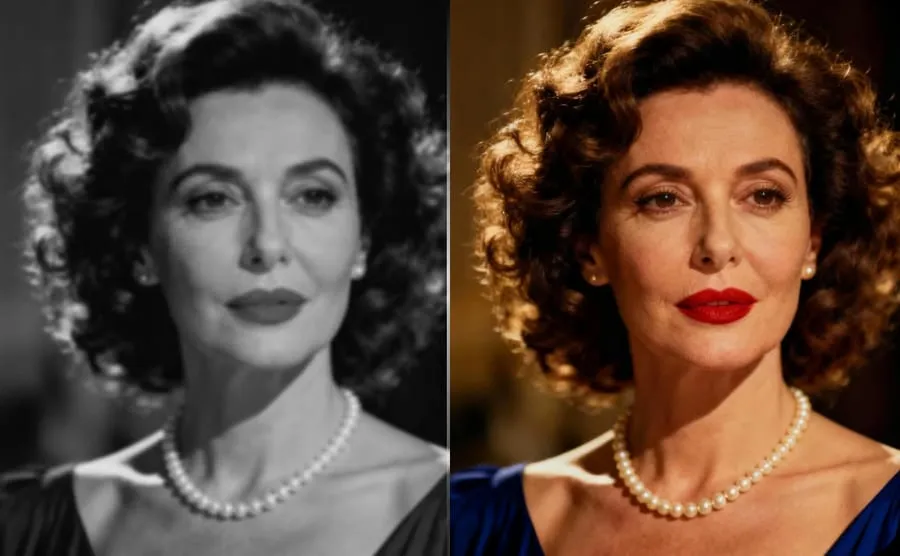
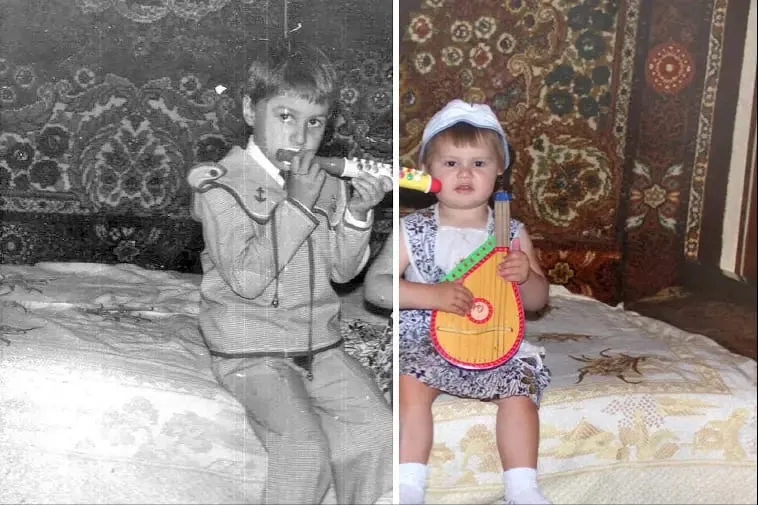
Your original is never overwritten.
Every edit is saved as a new version, so you can compare before and after, try again, or go back. Nothing changes in your camera roll unless you choose to export.
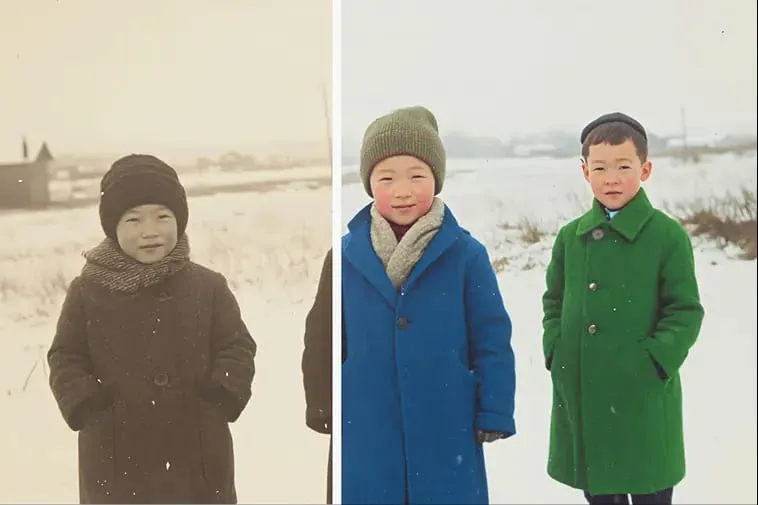
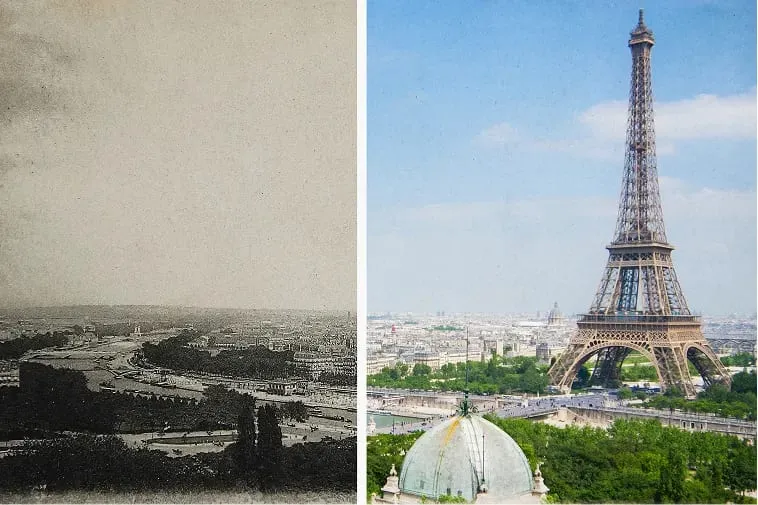
Every photo has a story worth keeping.
See how much detail and colour can come back from one old print.
Restoring old photos with PhotoPilot
Is it free to restore a photo?
You can download PhotoPilot free and try an edit. AI edits use credits, and you can earn more or upgrade inside the app.
Can I restore a printed photo?
Yes. Take a clear, flat, well-lit picture of the print, or import a scan, then ask PhotoPilot to restore it.
Will it change my original photo?
No. Your original stays as it is. Edits are saved as new versions you can compare and export.
What happens to my photos?
To create an edit, your photo is uploaded to PhotoPilot servers and may be processed by third-party AI providers. You can delete your account and data any time. See the privacy policy for details.
Does it work on iPhone?
PhotoPilot is on Google Play for Android today. The iPhone version is coming soon.
Give your oldest photo a second life.
Download PhotoPilot free and restore your first photo in minutes.