One photo. Every trend.
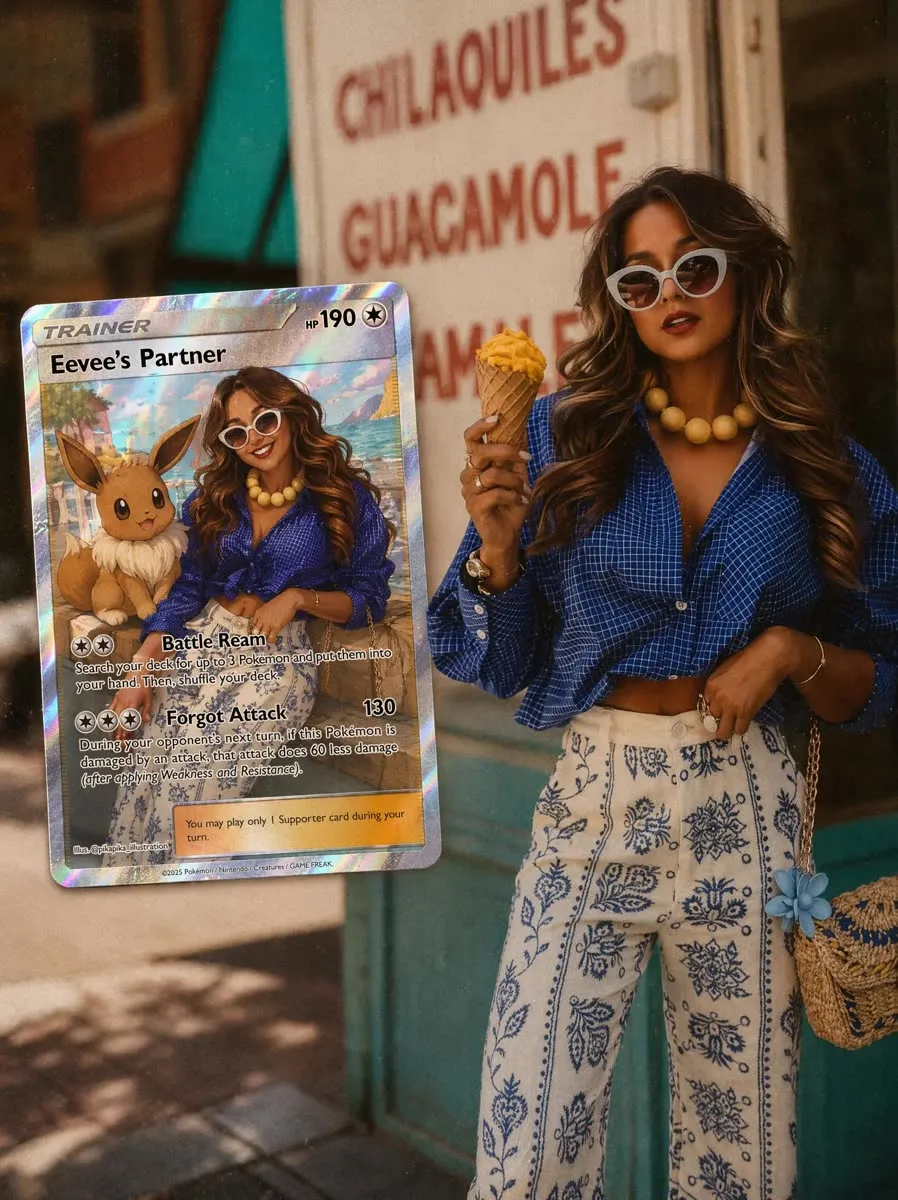
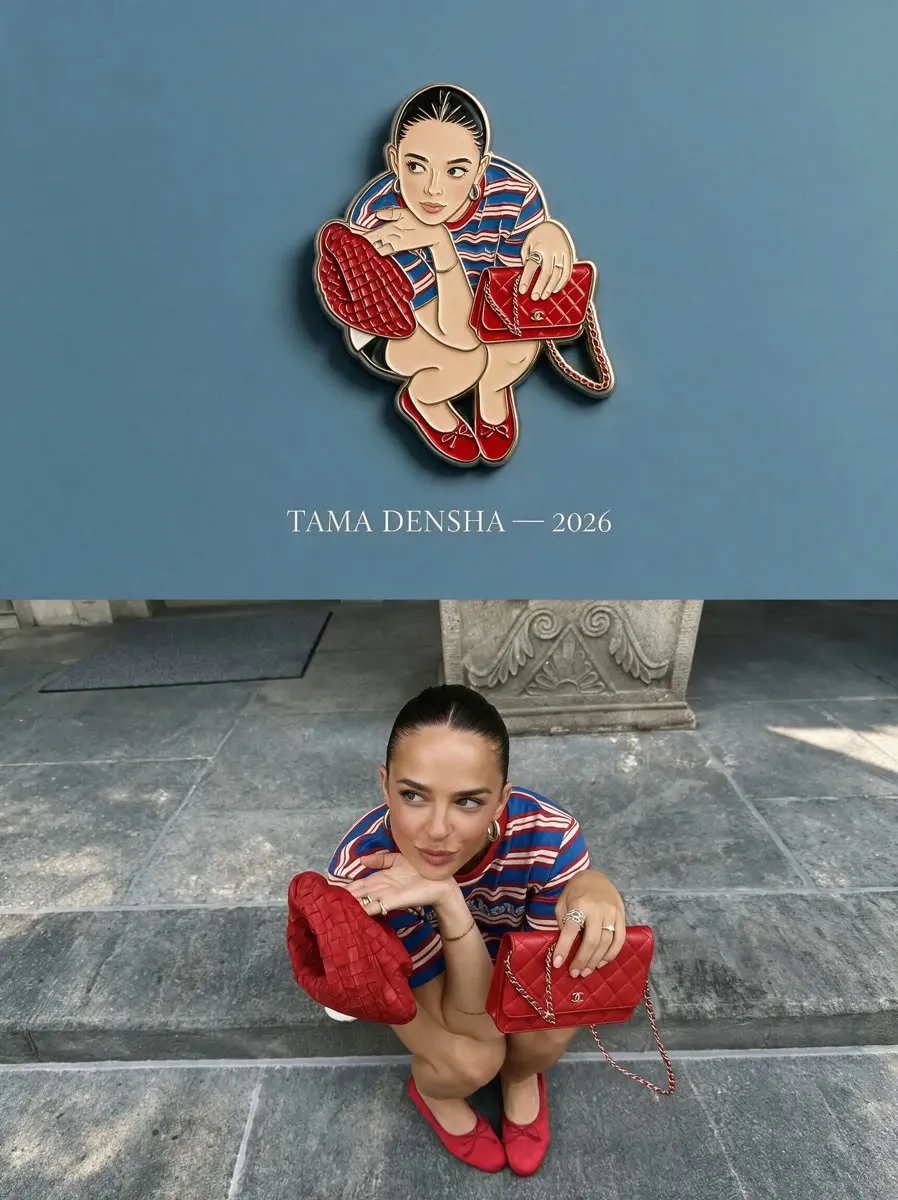
Choose a template, add your photo and PhotoPilot builds the look: trading cards, fluted glass, enamel pins, scrapbook collages and more. New templates land in the app all the time.
Free to try on Android. iPhone coming soon.
- New templates added regularly
- No design skills needed
- Save and share in one tap
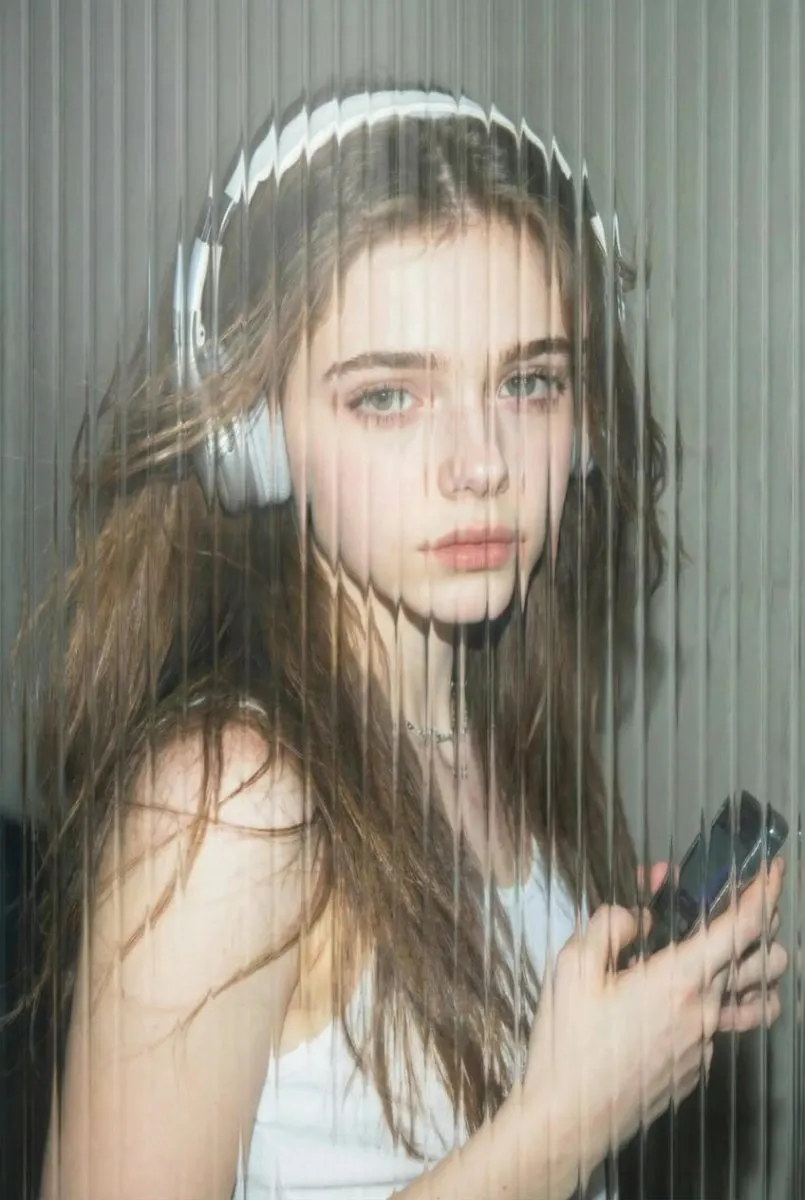 Fluted glass
 Use the Fluted glass template with my selfie.
Pick a look, add a photo, post it.
-
Pick a template
Browse trending looks in the app and tap the one you want to try.
-
Add your photo
Choose a selfie or any photo. Some templates take two photos.
-
Refine and share
Ask for tweaks in plain words, then save it and post to Instagram, TikTok or WhatsApp.
Not in the gallery? Just describe it.
Every template starts from a prompt, and you can write your own. Describe the edit you want and refine it until it is right.
- Change the background, outfit or mood
- Remove or replace people and objects
- Add text and finish with clean exports
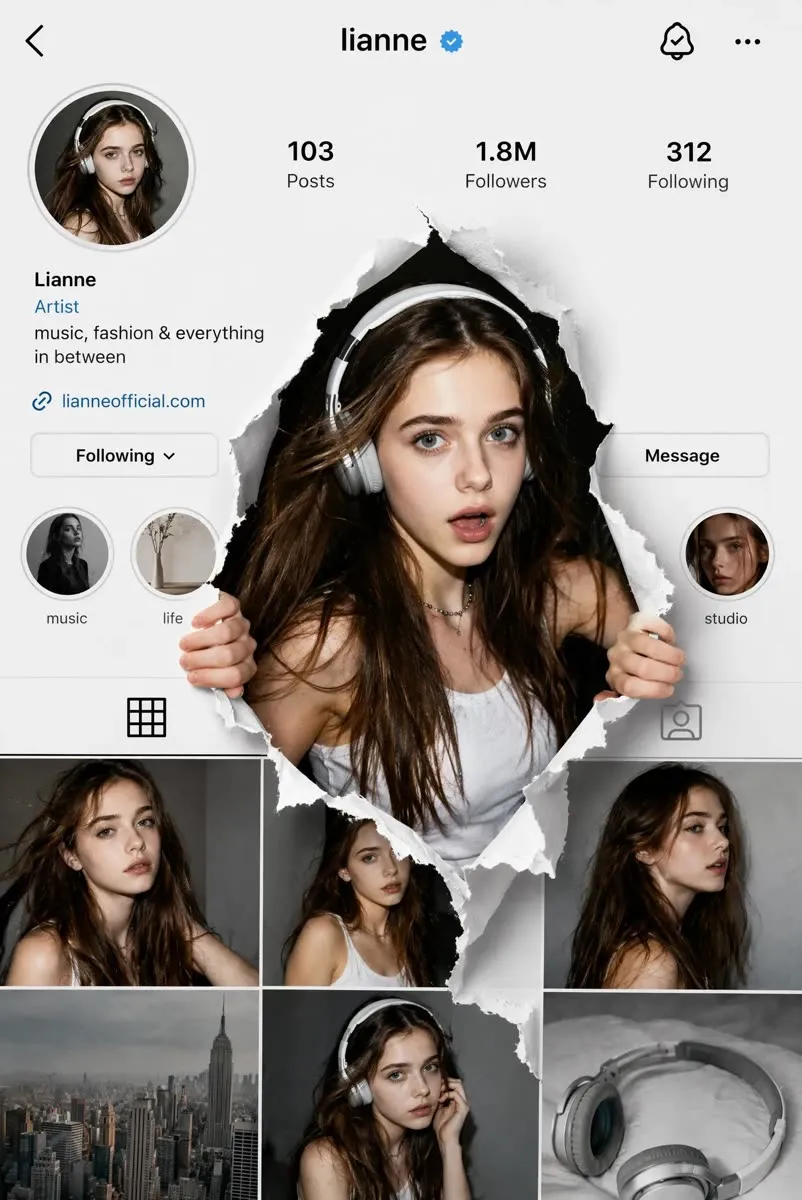
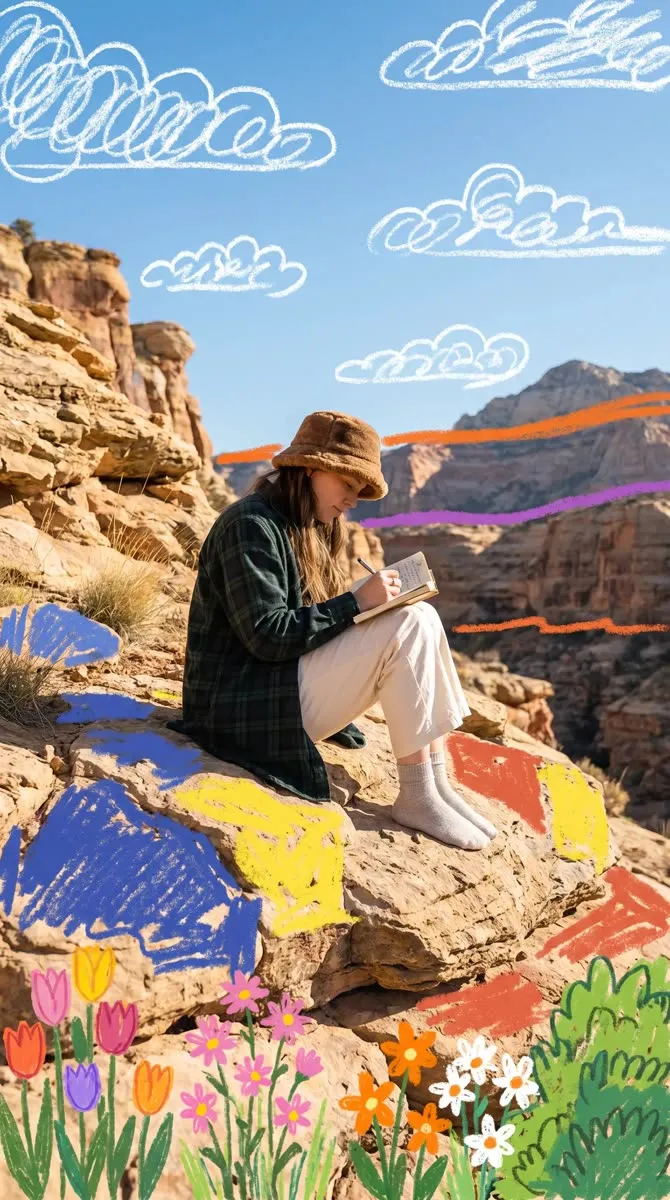
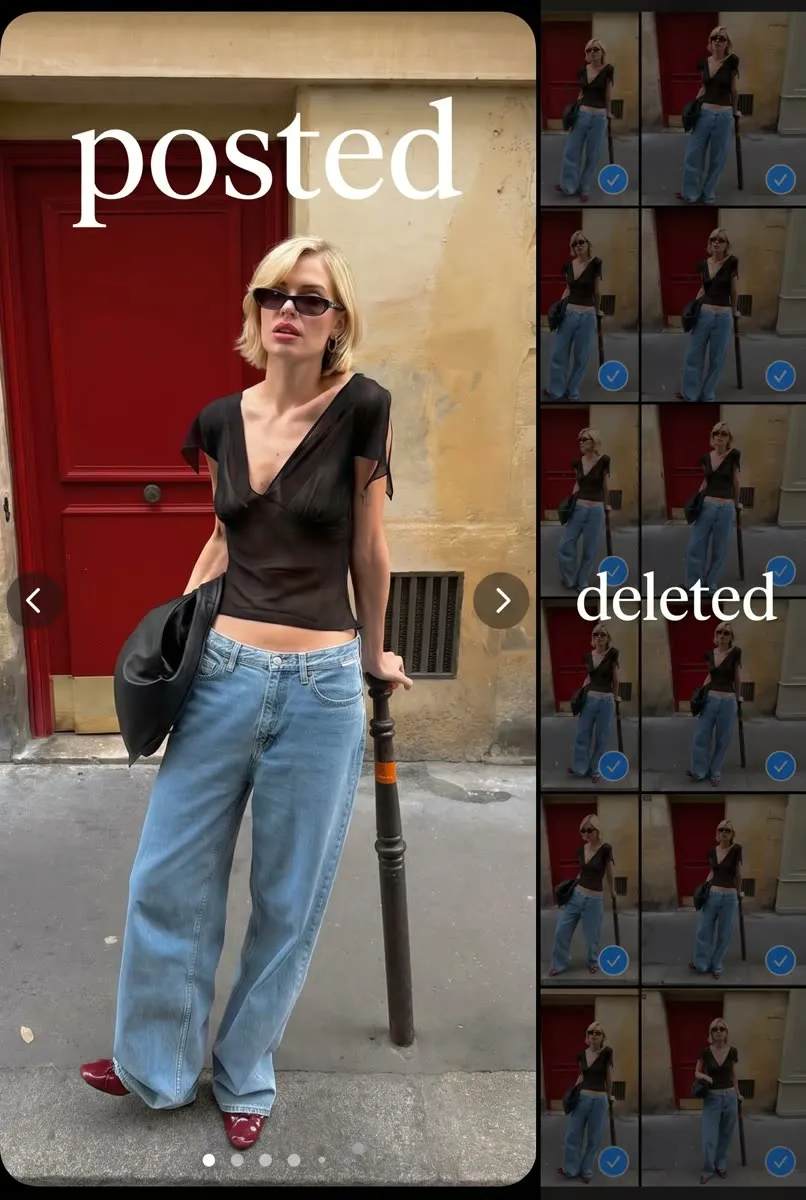
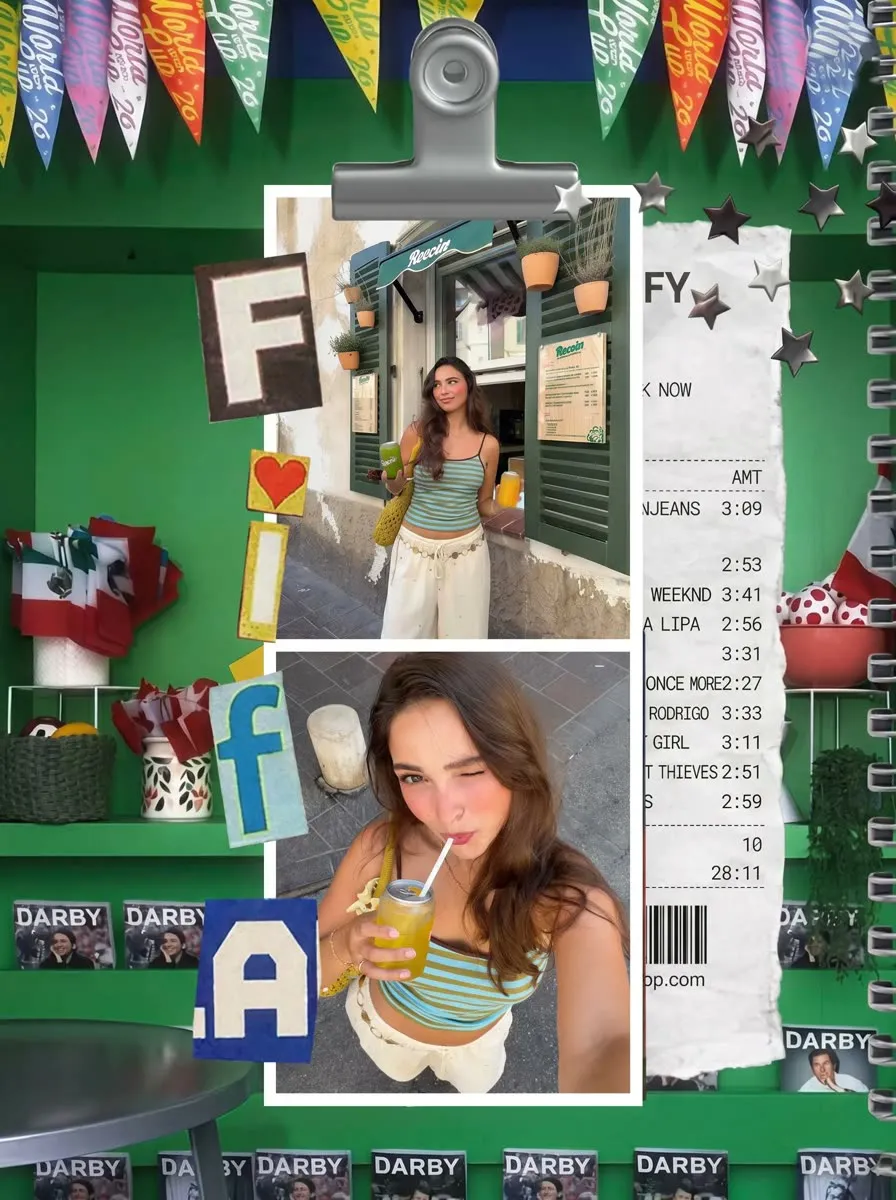
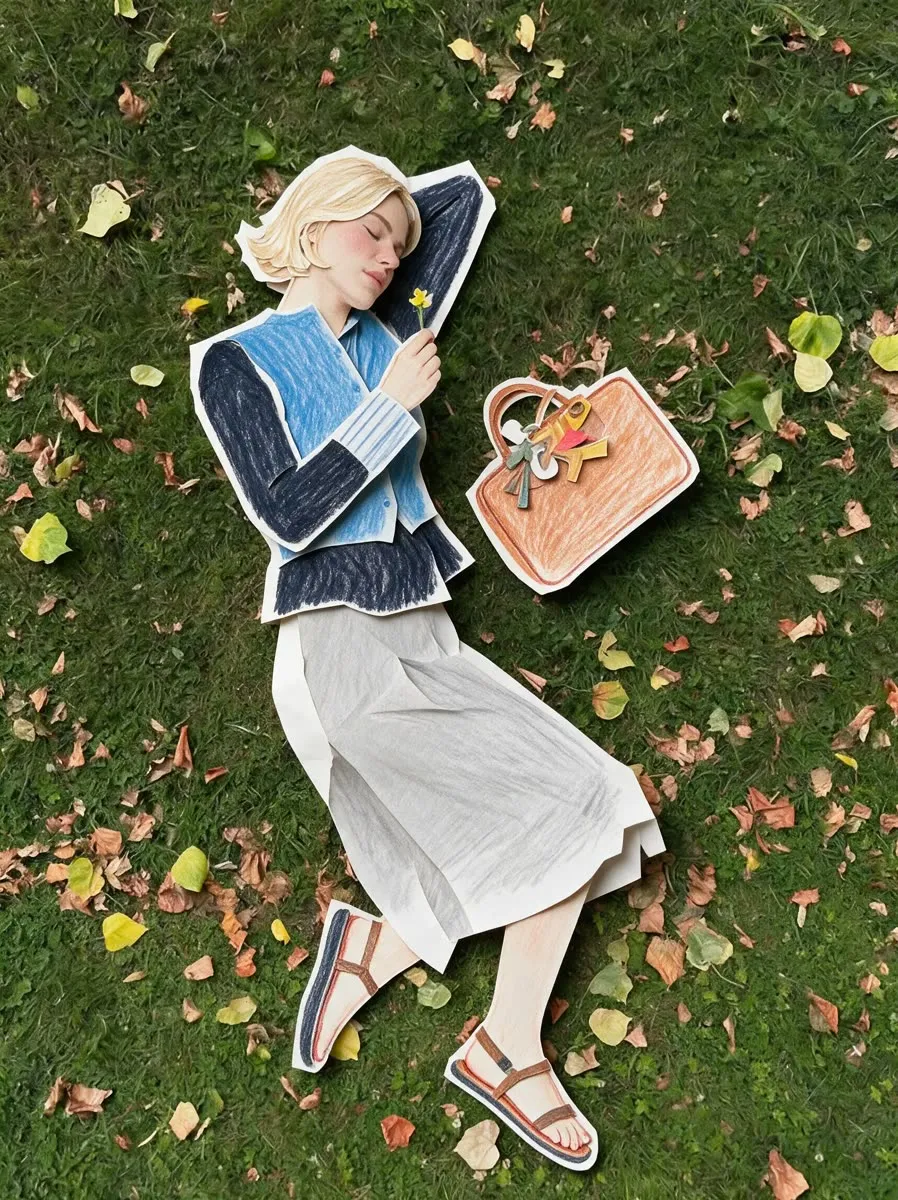
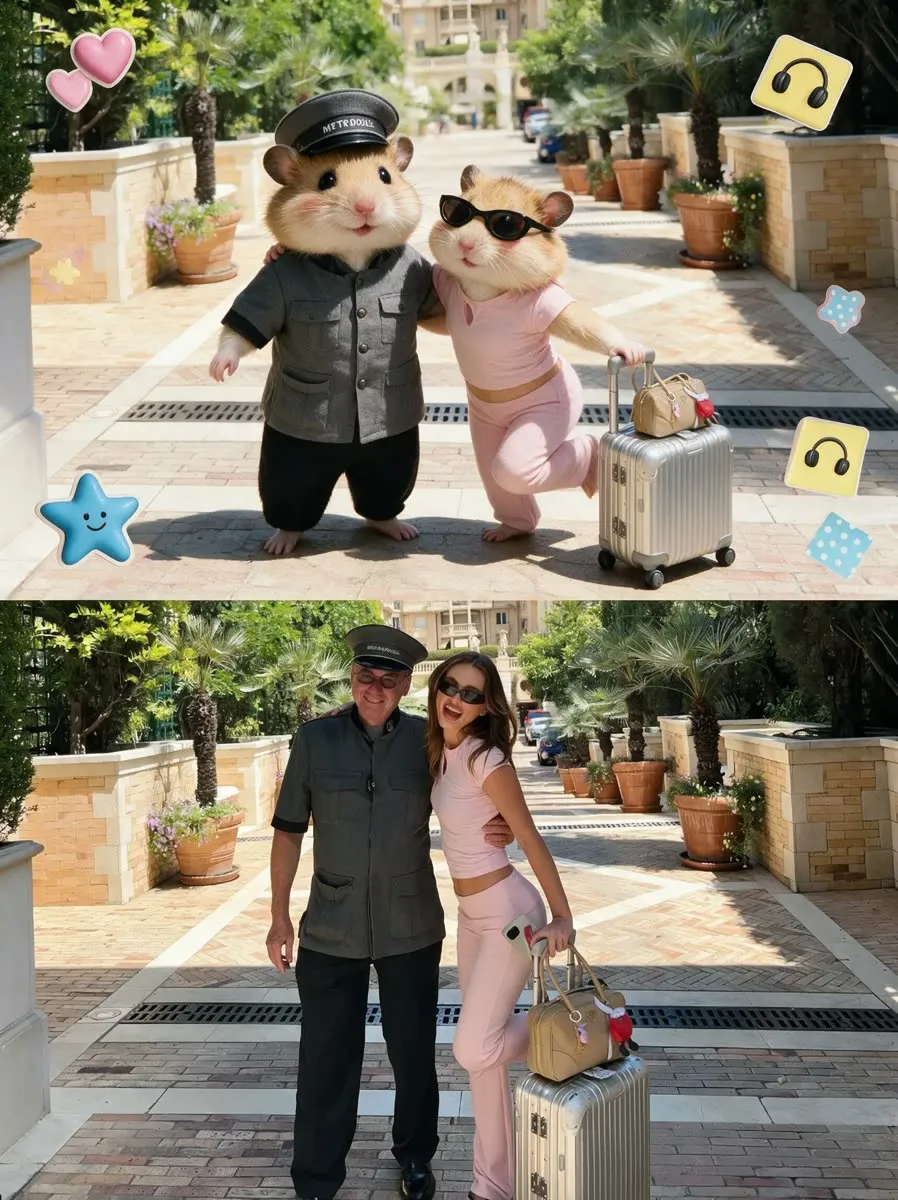
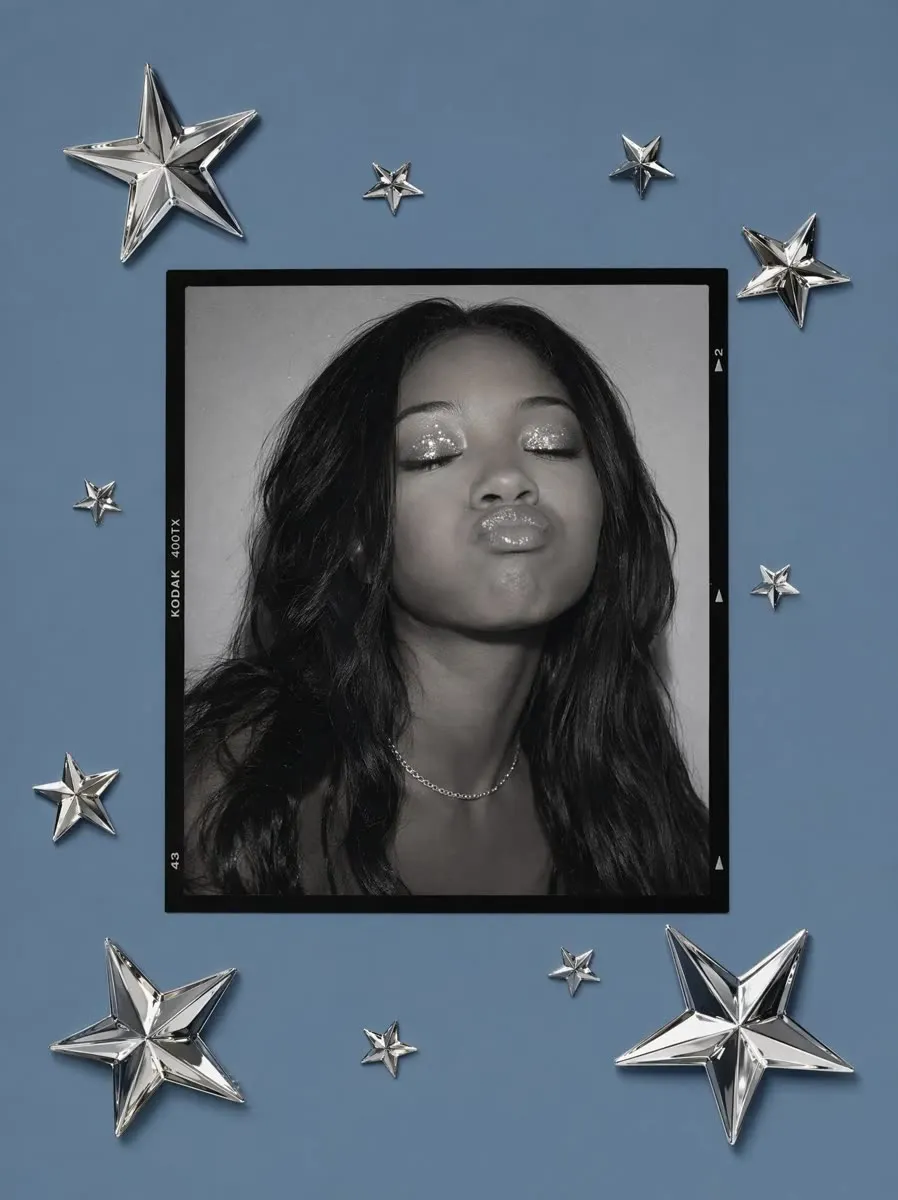
Real results made with PhotoPilot.
Every image below was made from a template inside the app.






About PhotoPilot templates
Are the templates free?
You can download PhotoPilot free and try templates. AI edits use credits, and you can earn more or upgrade inside the app.
Can I use my own photo?
Yes. Every template works with a photo from your gallery or camera.
Do I need TikTok or CapCut?
No. Everything happens in PhotoPilot. Share the result to any social app afterwards.
Does it work on iPhone?
PhotoPilot is on Google Play for Android today. The iPhone version is coming soon.
What happens to my photos?
To create an edit, your photo is uploaded to PhotoPilot servers and may be processed by third-party AI providers. Your original stays unchanged and you can delete your data any time. See the privacy policy.
Your photo, in every trend.
Download PhotoPilot free and try your first template today.