Change the background. Keep the moment.
Type where you want to be and PhotoPilot rebuilds the scene around you: new location, new light, new mood. No cutting out, no layers, no editing skills.
Free to try on Android. iPhone coming soon.
- Type it, no masks needed
- Lighting matched to the scene
- Original stays untouched
 Skyline perch, golden hour
 Put me on a rooftop at golden hour, city skyline behind me.
A new scene in one sentence.
-
Import your photo
Pick a selfie or portrait from your gallery.
-
Describe the scene
Say where you want to be: a beach, a rooftop, a studio, sunset instead of midday.
-
Refine and save
Nudge the result with a follow-up, then export the final image.
Places, light and mood.
Describe the change the way you would to a photographer. PhotoPilot handles the rest.
- A new location: beach, city, studio, cafe
- A new time of day: sunrise, golden hour, night
- A new mood: soft film, bold editorial, dreamy
- Clean up distractions and busy backdrops

Same photo, new light.
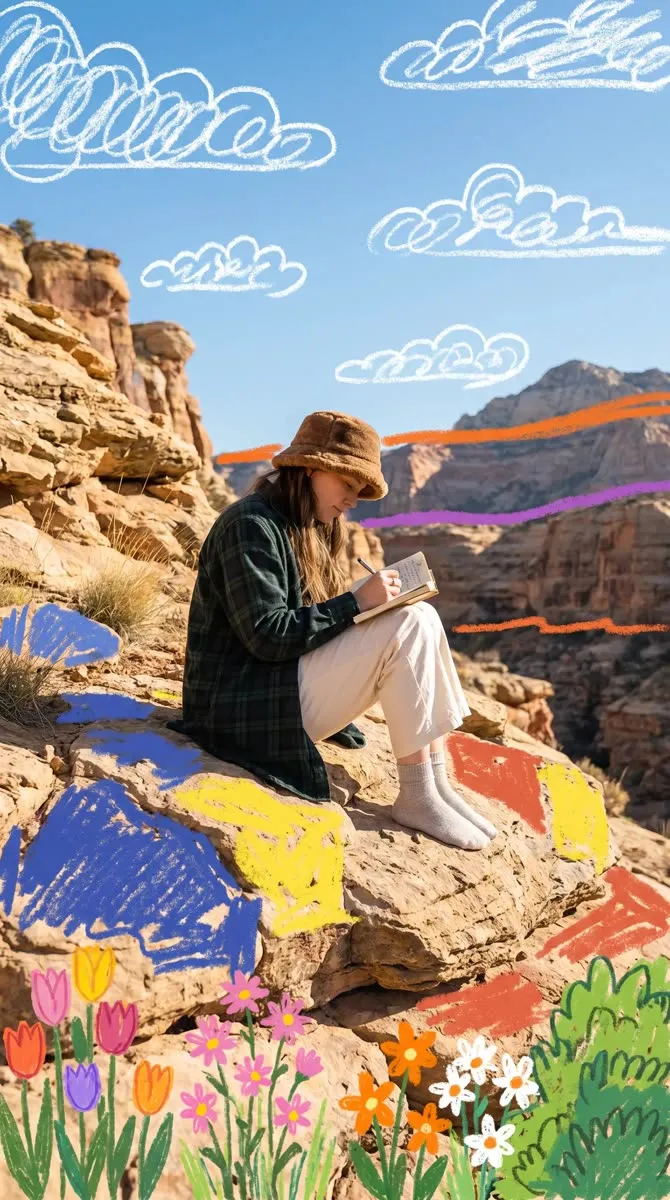
One scene, two moods. Both results were made with PhotoPilot.



Changing backgrounds with PhotoPilot
Do I need to cut myself out first?
No. Just describe the new background and PhotoPilot handles the subject and the scene.
Is it free?
You can download PhotoPilot free and try an edit. AI edits use credits, and you can earn more or upgrade inside the app.
Can I change the time of day?
Yes. Ask for golden hour, night, overcast or any lighting you want.
Will it change my original photo?
No. Your original stays as it is and every edit is saved as a new version.
Does it work on iPhone?
PhotoPilot is on Google Play for Android today. The iPhone version is coming soon.
Take your photo anywhere.
Download PhotoPilot free and change your first background in seconds.