Edit photos by saying what should change.
PhotoPilot is the AI photo editor that works the way you talk. Restore old photos, change backgrounds, retouch portraits and try trending templates, all from one sentence.
Free to try on Android. iPhone coming soon.
- Original photo never changes
- No editing skills needed
- New templates regularly
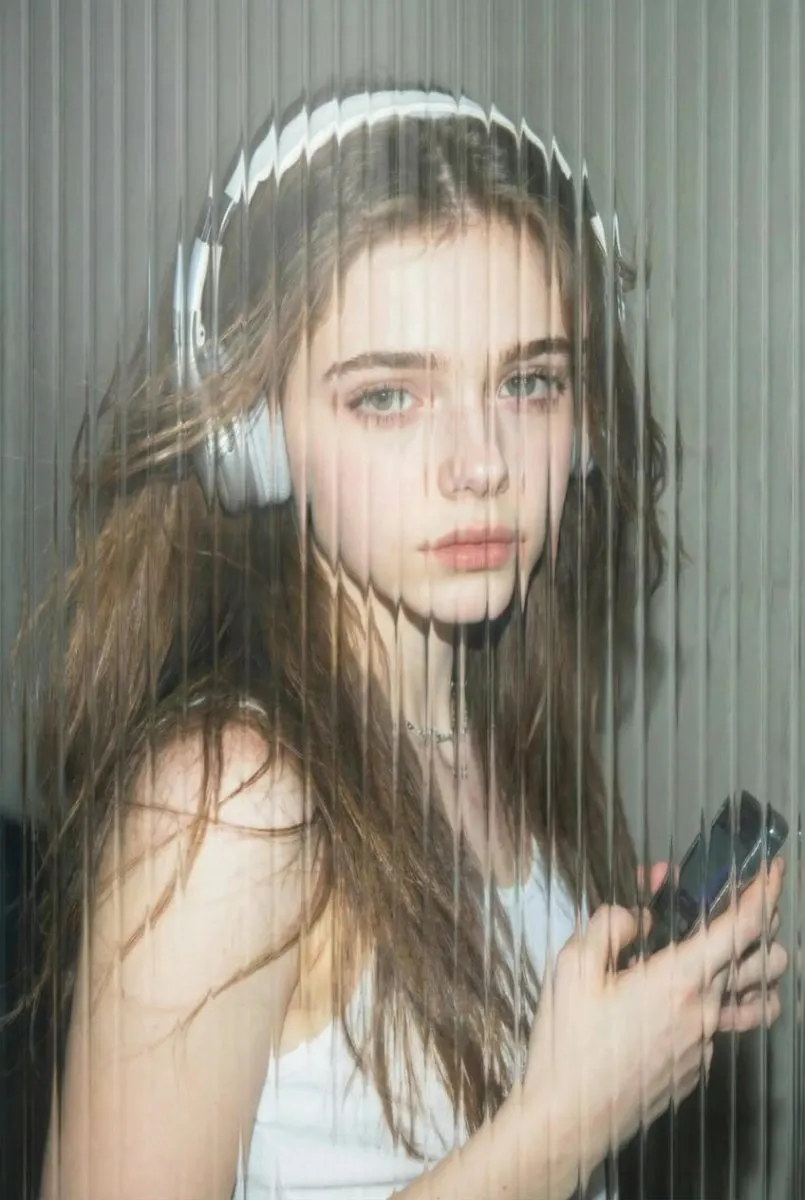 Fluted glass
 Make it look like I'm behind fluted glass, soft daylight.
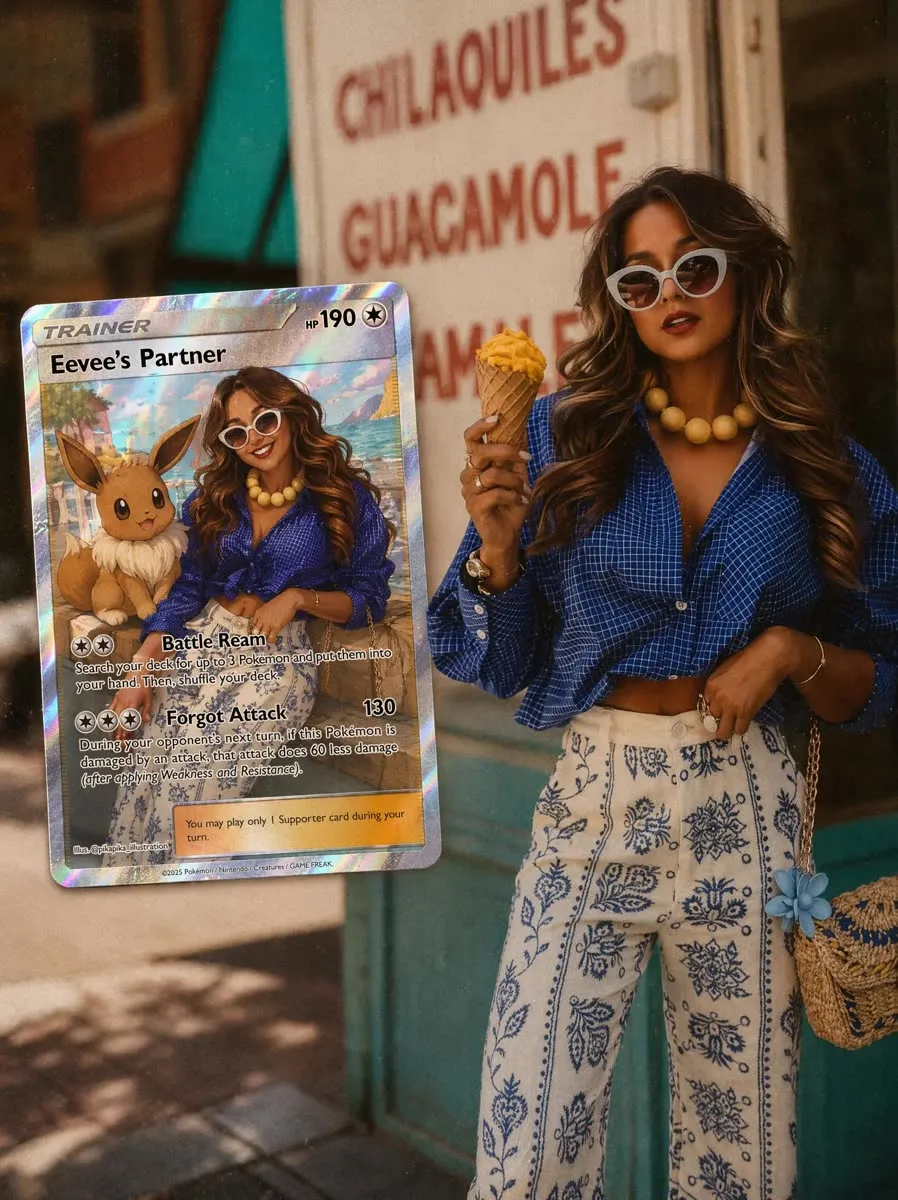
One photo, a hundred different looks.
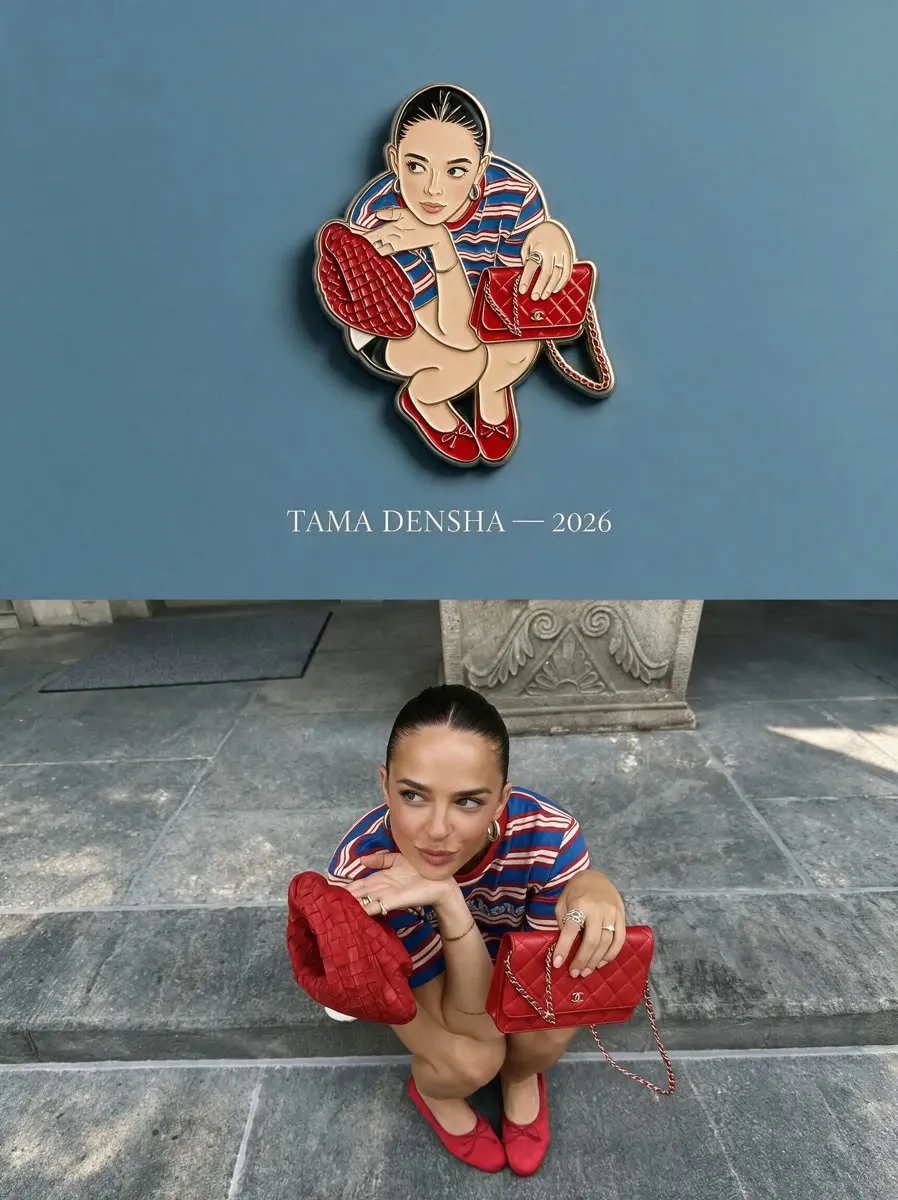
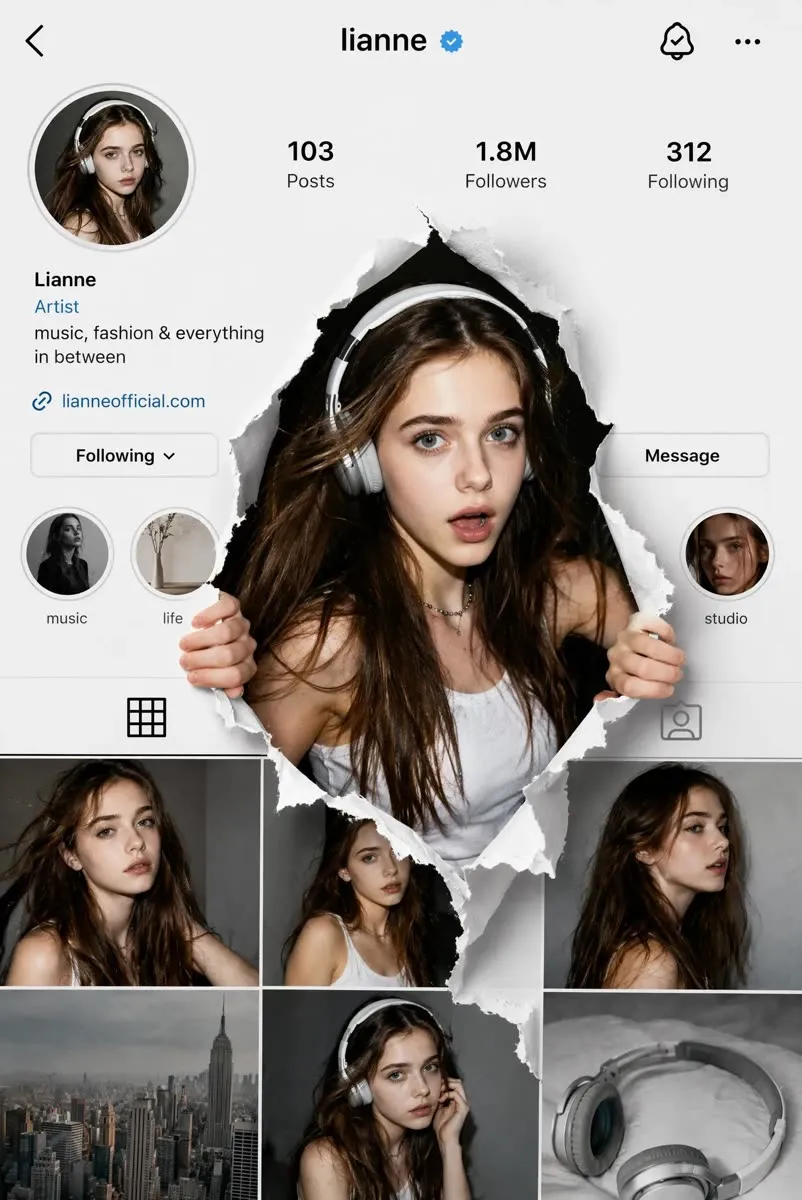
Every image here was made inside PhotoPilot from a template. Pick one, add your photo, post it.





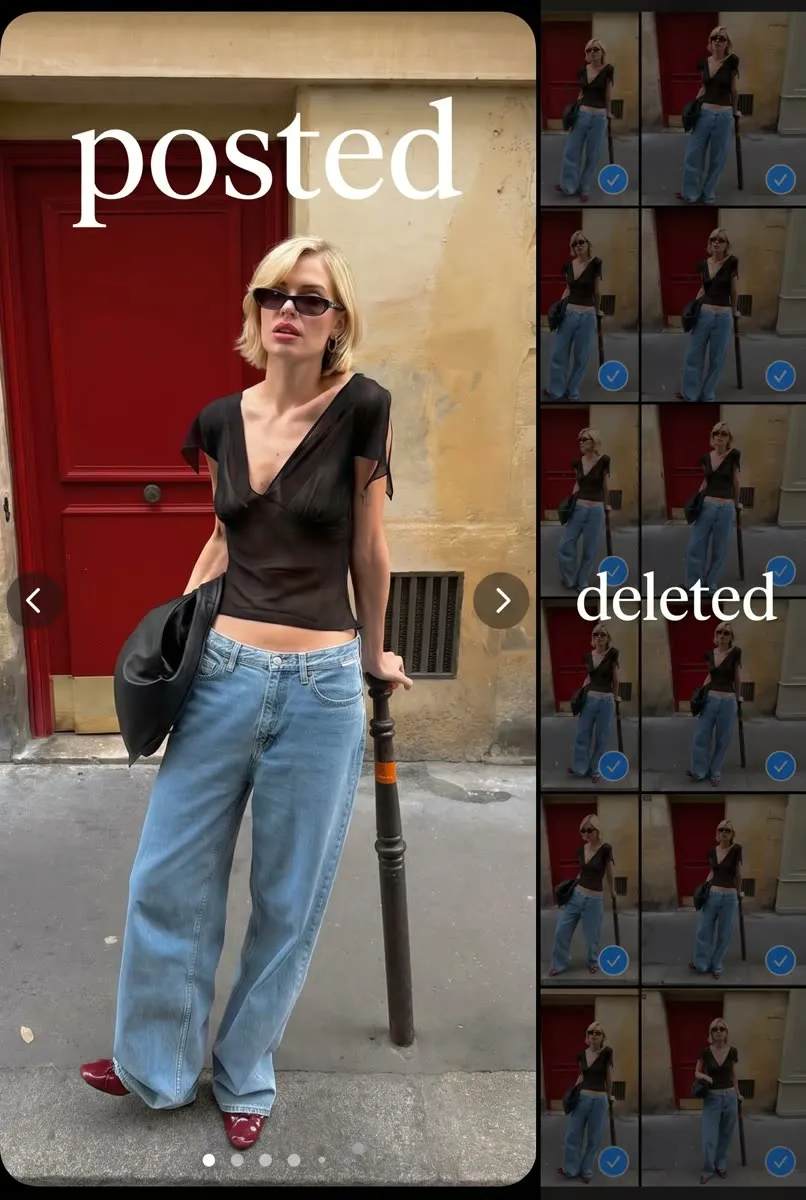
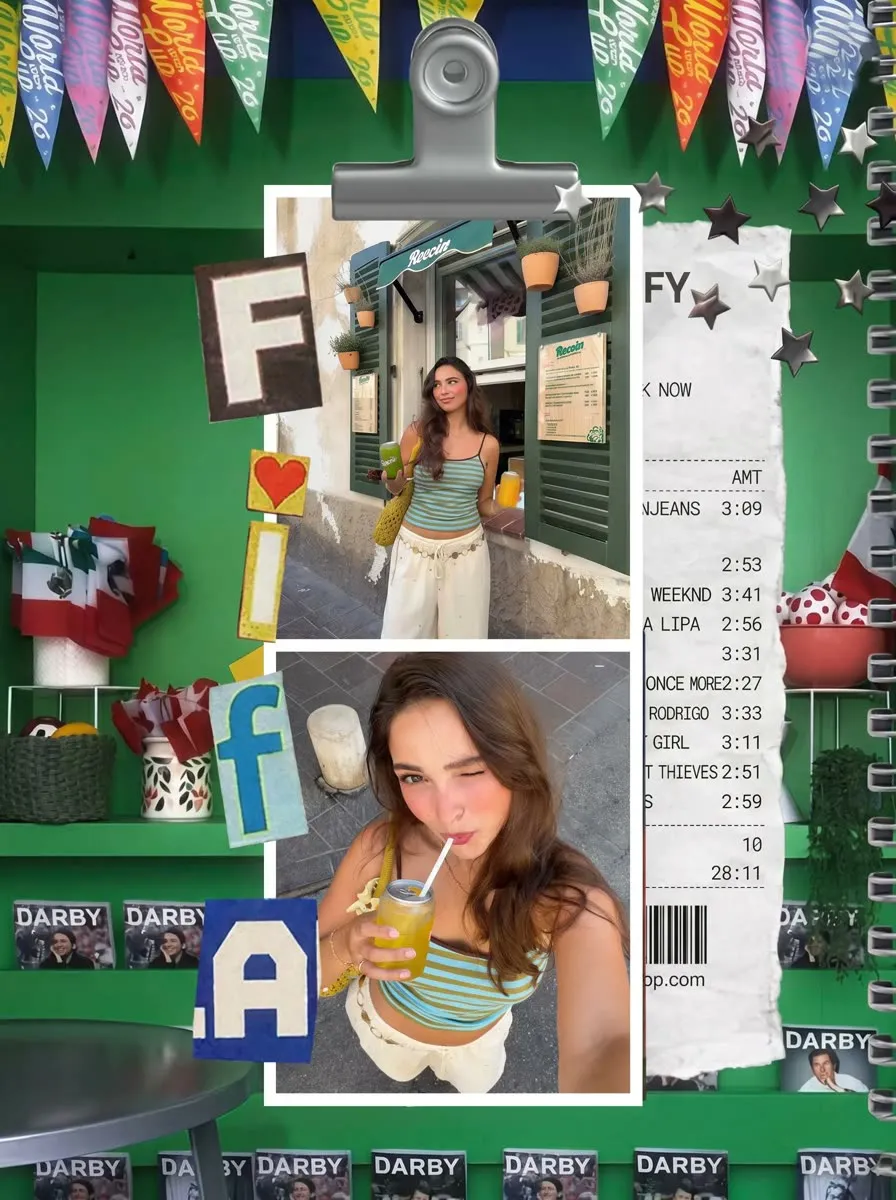
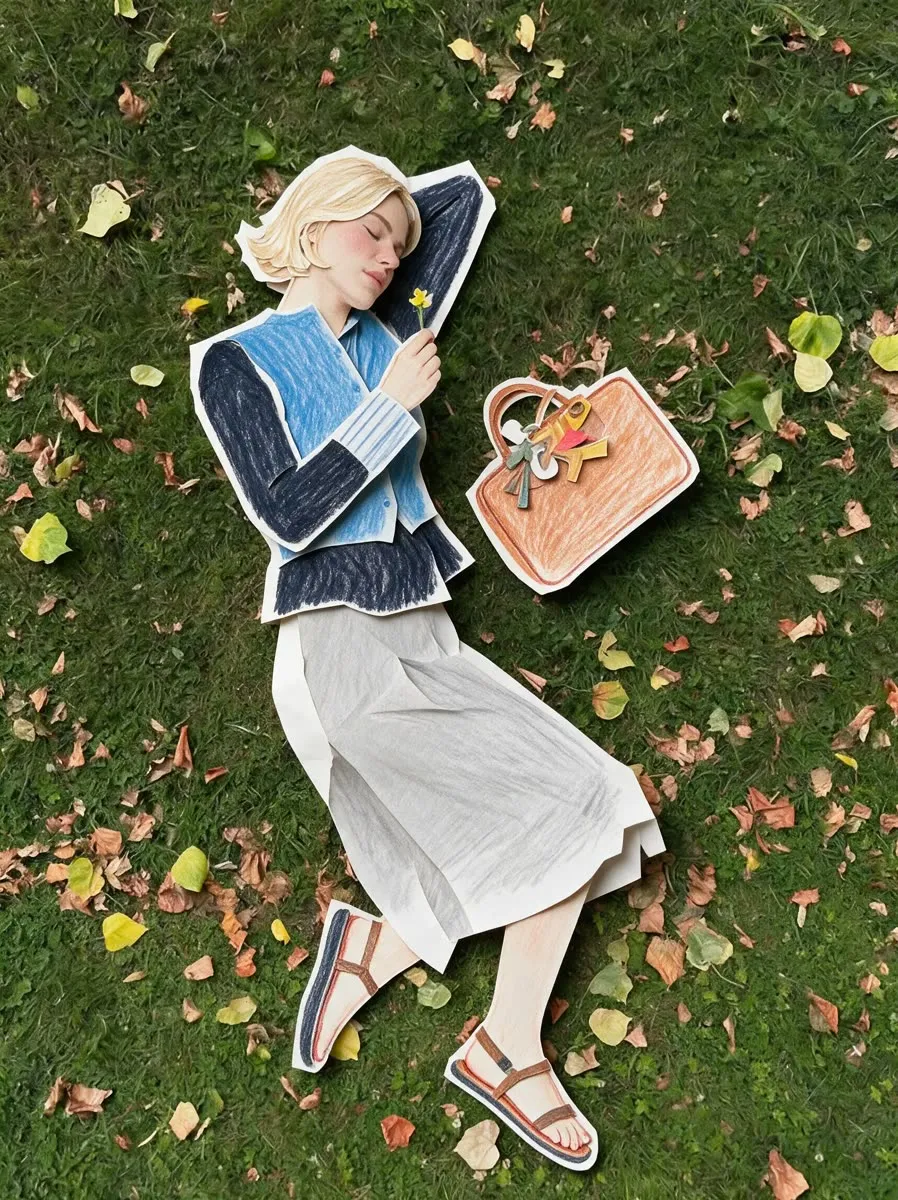
A quiet workflow for fast edits.
Import a photo, type the edit you want, refine the result and export. That is the whole app.
Import a photo
Pick any photo from your gallery or camera. Your original is never overwritten.
Say what to change
Describe the edit in plain words or choose a template. Add text, swap a background, restore detail.
Refine and export
Ask for tweaks, compare versions, then save a clean final image and share it anywhere.
Everything you would ask a retoucher for.
PhotoPilot handles the edits that normally need layers, masks and hours. Pick a use case to see how.
Edit by describing it
Type what should change, like "turn the grey sky into golden hour". PhotoPilot does the edit and you refine it with follow-ups.
Browse templates →Restore old photos
Clean up scratches, fading and blur on family prints and bring faces back into focus, without touching the original.
Restore a photo →Change any background
Move a photo to a new place or time of day. No cutting out, no layers: just say where you want to be.
Change a background →Couple portraits
Turn a photo of the two of you into a vintage announcement, a Catrina couple or a cartoon duo.
Make our portrait →Trending templates
Fluted glass, trading cards, enamel pins, scrapbook collages. Pick a look, add your photo, post it.
See templates →Your original stays safe
Every edit is saved as a new version you can compare, refine or undo. Your camera-roll photo never changes unless you export.
How we handle photos →Your photos, your call.
Edits happen in a version history, so nothing is ever lost and nothing changes without you saying so.
- Your original camera-roll photo stays unchanged
- Every edit saved as a version you can compare or undo
- Sign in only for credits, purchases and account features
- Delete your account and data any time from the website or the app

Good questions, plain answers.
What is PhotoPilot?
PhotoPilot is an AI photo editor. You describe the change you want, such as retouching a portrait, restoring an old photo or swapping a background, and the app makes the edit. You can refine it with follow-up prompts, then export.
Is PhotoPilot free?
PhotoPilot is free to download and try. AI edits use credits that you can earn in the app or top up with a plan.
Is PhotoPilot available on iPhone?
PhotoPilot is available on Google Play for Android today. The iPhone version is coming soon.
Does PhotoPilot change my original photo?
No. Your original photo stays as it is. Edits are saved as new versions that you can compare, refine and export.
What happens to my photos?
To create an edit, your photo is uploaded to PhotoPilot servers and may be processed by third-party AI providers. You can delete your account and data any time. Read the privacy policy or delete your account.
Which edits can I make?
Retouching, old-photo restoration, background and lighting changes, character and subject swaps, trending templates, adding text and more. Describe it in your own words.
Ready to edit like you talk?
Download PhotoPilot free and make your first edit in under a minute.